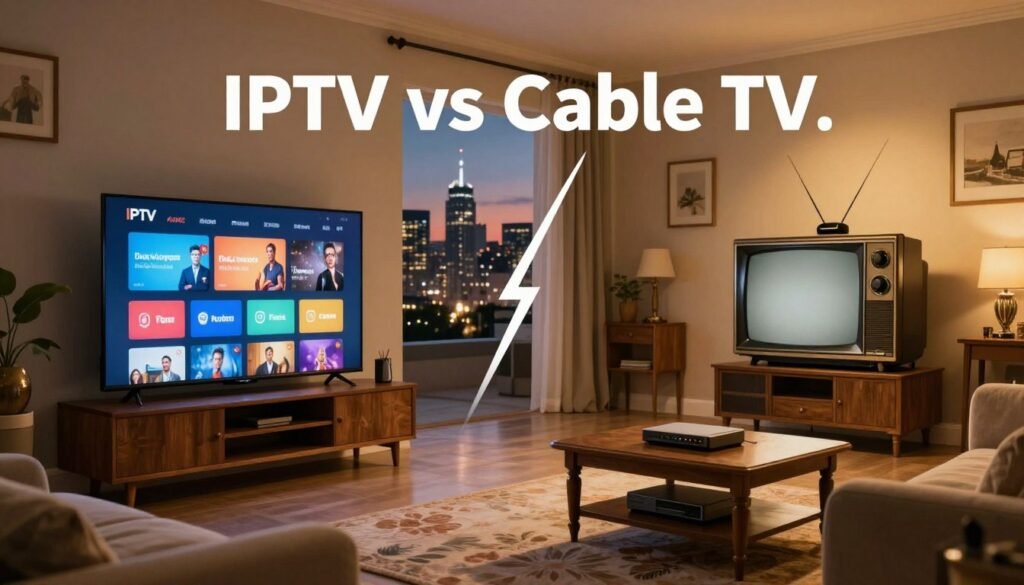
Do you prefer the reliable Comcast and Charter cable, or the flexible Netflix, Hulu, and Sling TV over the internet?
This article compares IPTV and cable TV to help you decide. Cable TV uses fiber-coaxial networks and set-top boxes for live channels. IPTV streams TV over the internet with providers like Netflix and Hulu, offering on-demand content and pause/rewind features.
Your choice depends on what you value most. Cable might be better for live sports and channel surfing. But, if you want customization, cost savings, and 4K streaming, IPTV is the way to go, especially with fast internet.
Key Takeaways
- Cable often wins for stable live broadcasts and simple setup.
- IPTV excels at on-demand content, interactivity, and device flexibility.
- Picture quality on IPTV can match cable if you have reliable high-speed internet.
- Consider channel needs, internet bandwidth, and budget before deciding.
- Major providers on both sides shape availability and features.
How Cable TV Works: Technology and Delivery
Cable TV uses physical networks to send signals from broadcasters to homes. These networks include neighborhood nodes and trunk lines. This setup delivers local, premium, and international channels directly to your TV.
Coaxial and fiber-optic infrastructure
Most cable providers use a mix of coaxial and fiber-optic cables. Fiber is used for long-distance, high-speed transport. Coaxial cables then bring the signal to your home. Upgrading to fiber can improve channel quality and support better picture quality.
Set-top boxes and signal decoding
Inside your home, set-top boxes decode the encrypted signals. They turn RF or light signals into HDMI or component video for your TV. Brands like TiVo and Roku offer devices, but many cable operators provide their own boxes with DVRs.
Why cable often offers consistent live-signal reliability
Cable’s dedicated lines make channel switching fast and live broadcasts smooth. Unlike internet, cable is less prone to buffering. The cabling is designed to reduce interference, ensuring reliable service for events and news.
However, cable availability can be limited in remote or rural areas. Weather or maintenance can also cause outages.
How IPTV Works: Streaming Over the Internet
IPTV turns TV channels and videos into digital streams that travel over your internet. Your device asks for a program from the provider’s server. The server sends data packets that turn into video on your screen.
This method supports live TV, movies, sports, and on-demand libraries if your connection is steady.
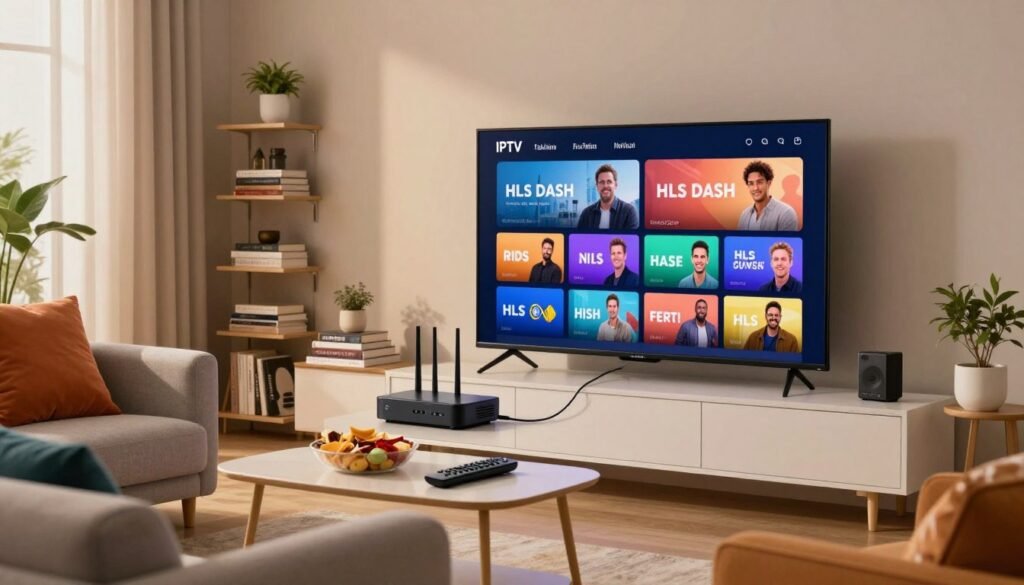
Internet protocols and adaptive delivery
IPTV uses HTTP-based protocols like HLS and DASH to split video into small segments. Your device switches between quality levels with adaptive streaming to match your internet speed. This helps reduce buffering and keeps playback smooth.
On-demand, live, and time-shifted media
Services offer video on demand (VOD) and live feeds. They also have time-shifted options like pause and rewind for live shows. When you request VOD, the server streams the file almost instantly.
Time-shifted playback stores recent parts of a live feed. This way, you can catch up without missing the action.
Device compatibility across platforms
IPTV works on many devices: smart TVs, phones, tablets, and streaming sticks. This means you can watch on your TV or mobile screen while keeping your watchlist and preferences.
| Feature | How IPTV Handles It | Why It Matters |
|---|---|---|
| Protocol | HLS and DASH segment video for HTTP delivery | Standard web delivery works with CDNs and reduces latency |
| Adaptive streaming | Automatic bitrate switching based on bandwidth | Fewer interruptions and better use of available internet |
| Content types | Live TV, VOD, and time-shifted playback | Flexible viewing that matches modern habits |
| Device support | Smart TVs, phones, tablets, and streaming sticks | Portable viewing and easy setup across platforms |
| Quality limits | HD and 4K possible with sufficient internet speed | Requires reliable high-speed connection for best results |
When comparing IPTV vs Cable Tv, the main difference is delivery. IPTV uses internet protocols and adaptive streaming, while cable uses dedicated infrastructure. Knowing about HLS DASH IPTV and checking device compatibility helps predict performance on your network and gadgets.
IPTV vs Cable Tv: Head-to-Head Feature Comparison
Choosing between cable and internet TV depends on what you value most. Do you want flexibility, control, or simplicity? Let’s compare the key differences to help you decide what’s best for you.
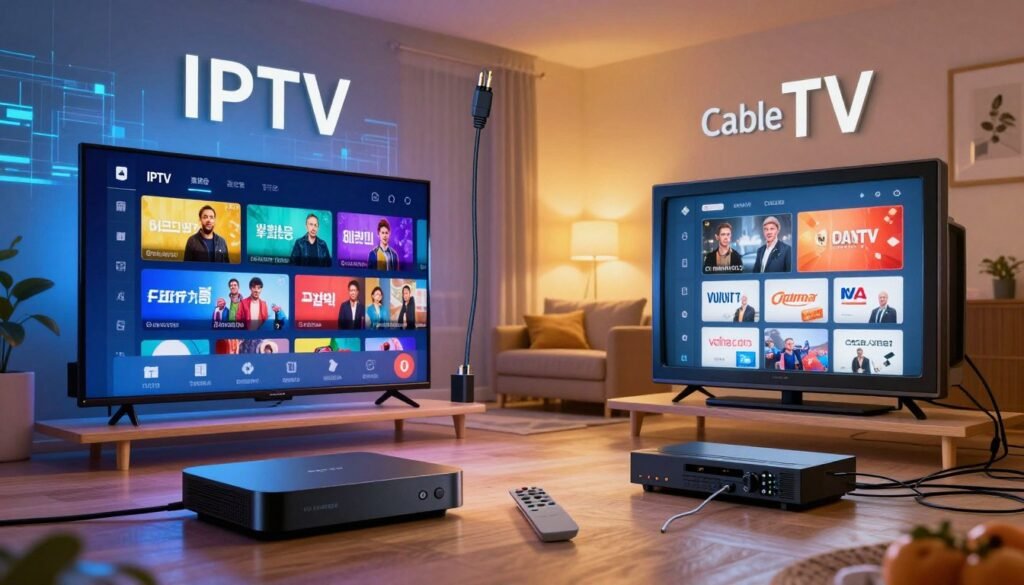
Content delivery method differences
Cable TV uses coaxial or fiber lines to send channels to your set-top box. This method is great for live broadcasts and big events. On the other hand, IPTV streams content over your internet using IP protocols. This allows for more flexibility and access to on-demand libraries without extra equipment.
Channel selection, packages, and customization options
Cable TV often offers fixed channel lineups and bundles. These bundles make it easy to choose what you want. However, IPTV provides more flexibility with customizable plans. You can pick channels a la carte or combine them with internet services for savings.
Interactivity and user controls (pause, rewind, VOD)
Cable TV supports basic DVR functions through provider hardware. But, it’s limited by broadcast schedules and equipment. IPTV, on the other hand, offers advanced features like pause, rewind, catch-up TV, and vast VOD catalogs. These features are built into IPTV platforms, enhancing your viewing experience.
| Feature | Cable | IPTV |
|---|---|---|
| Delivery | Coaxial/fiber to set-top box | Internet streaming using IP protocols |
| Channel selection | Fixed tiers and cable bundles | Customizable packages and a la carte options |
| Installation | Technician visit, rental hardware | App-based setup on compatible devices |
| Interactivity | Basic DVR, limited on-demand | Advanced VOD, pause/rewind, catch-up TV |
| Device access | Primarily TV via set-top box | Multi-device: TV, phone, tablet, stick |
| Billing | Tiered plans, equipment fees | Flexible monthly plans, often bundled with internet |
Picture, Sound Quality, and Performance Factors
When deciding between IPTV and Cable TV, it’s important to consider video and audio quality. Both can offer high-definition and immersive sound. The choice depends on your internet speed, setup, and viewing habits.
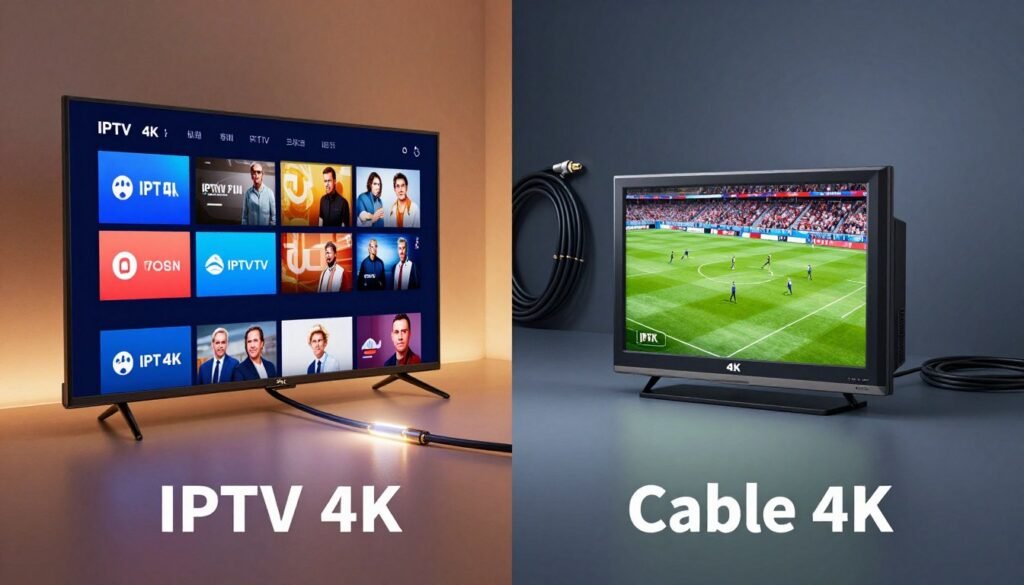
HD and 4K availability
IPTV provides HD and 4K channels with a fast, stable internet connection. It uses adaptive streaming to adjust quality for smooth playback. Cable also offers HD and some 4K channels, especially with fiber lines.
Impact of internet bandwidth and stability
Internet speed affects IPTV’s picture and sound quality. If speed drops, the quality adjusts to prevent playback issues. For IPTV 4K vs cable 4K, low latency and consistent speed are key.
Why cable can be less affected by buffering
Cable TV benefits from dedicated connections that reduce internet congestion. This makes channel changes and live games smoother. While outages can occur, buffering is less common than with shared internet.
Practical tips for best performance
- For IPTV, use wired Ethernet or a high-quality Wi-Fi 6 router to protect streaming bandwidth.
- If you need flawless live-event performance, cable remains a dependable choice thanks to cable reliability.
- Check your ISP plan for sustained upload and download rates before relying on 4K IPTV streams.
| Factor | IPTV | Cable TV |
|---|---|---|
| Typical HD/4K availability | Wide HD; 4K available where providers or apps support it | Consistent HD; growing 4K via fiber and select channels |
| Dependence on streaming bandwidth | High. Quality varies with internet speed and stability | Low. Uses dedicated lines for video delivery |
| Buffering risk during peak usage | Higher unless you have strong, low-latency connection | Lower. Channel switching and live events remain smooth |
| Performance in rural areas | Variable. Limited broadband can reduce quality | Variable. Installation availability affects service |
| Best use case | On-demand 4K viewing when streaming bandwidth meets demands | Live sports and predictable viewing with strong cable reliability |
Cost and Subscription Models
When deciding between IPTV and Cable TV, cost and flexibility are key. It’s important to compare monthly fees, equipment costs, and any hidden charges before making a choice. Here’s a detailed comparison of typical plans and what to look out for in TV subscription costs.
Typical cable pricing, bundles, and equipment fees
Cable providers like Comcast and Spectrum offer bundles that include TV, internet, and phone. These bundles can make the monthly rate seem lower during promotional periods.
But, there are extra costs for set-top boxes, DVR rentals, and premium channels. Equipment fees and local taxes add up, so the initial price doesn’t always show the full cost.
IPTV pricing: a la carte, monthly plans, and potential savings
IPTV services like Sling TV, YouTube TV, and Hulu + Live TV focus on flexible plans. They offer a la carte channel add-ons, short-term trials, and no rental fees for set-top boxes if you use a smart TV or streaming stick.
This setup can save money upfront. IPTV is often cheaper for those who want specific channels and streaming apps instead of big cable bundles.
Long-term value: contracts, promotional pricing, and hidden costs
Promotional pricing for cable can look good for 12 to 24 months. But, renewal rates often go up after the promo ends. Long contracts might include early-termination fees.
IPTV plans usually avoid long contracts. Be aware of hidden costs like regional sports surcharges, multi-device fees, or required internet upgrades. Bundling internet with IPTV can save money if done right.
| Cost Factor | Typical Cable | Typical IPTV |
|---|---|---|
| Base monthly fee | $60–$120 for common bundles | $25–$70 for most live-stream packages |
| Equipment fees | $7–15 per box, plus DVR charges | Usually none if using existing streaming device |
| Channel customization | Limited; add premium packs at extra cost | A la carte options common; pick channels individually |
| Promotional offers | Frequent, but reset after term ends | Occasional discounts and free trials |
| Long-term obligations | Contracts and early fees possible | Month-to-month plans common, less lock-in |
| Impact on TV subscription costs | Can rise over time due to fees and renewals | Often lower ongoing cost for selective viewing |
Content Variety and Availability
Choosing between IPTV and Cable TV often depends on what you like to watch. Cable is great for live sports TV and a steady lineup of local channels. Fans of local news and sports networks prefer Comcast Xfinity, Spectrum, or Cox for live events.
IPTV services like YouTube TV and Sling offer vast libraries and international channels. They combine live streams with on-demand content from Netflix, Hulu, and Amazon Prime. This way, you can watch recent episodes right after they air.
Customization is key. Cable packages usually come in fixed bundles with channel tiers and premium add-ons. This setup offers clear channel access but may add monthly fees for extras.
IPTV packages offer more flexible add-ons and app-based choices. You can pick international packages, sports streams, or extra VOD without unwanted channels.
The table below compares key availability points for real-world viewers, showing where each option typically excels.
| Content Type | Cable Strengths | IPTV Strengths |
|---|---|---|
| Live sports TV | Reliable regional sports networks, predictable carriage on Comcast and Spectrum | Live streams via YouTube TV and Sling; flexible sports add-ons and cloud DVR |
| Cable local channels | Built-in access to local affiliates and local news without internet variability | Local channels available in many markets through live IPTV services and affiliates |
| IPTV VOD libraries | Limited VOD tied to cable on-demand and provider apps | Extensive catalogs from Netflix, Hulu, Prime and platform libraries with international content |
| International channels | Available via specialty tiers and satellite options | Broad selection, often easier to add specific country packages on demand |
| Customization | Fixed bundles, package upgrades for premium networks | Modular add-ons, app integration, and personalized channel lineups |
Accessibility and Where You Can Watch
When deciding between IPTV and Cable TV, think about where you live and how you watch. Cable needs physical lines and a fixed setup at one place. IPTV, on the other hand, streams over the internet. This lets you watch on phones, tablets, smart TVs, and laptops, anywhere with internet.
Cable installation limits are a big issue for many homes. Companies like Spectrum and Xfinity need special lines to reach your home. This works well in cities and suburbs but is hard to get in rural areas. Moving your cable service often means a new install and checking if the provider is available.
IPTV accessibility is better in areas with good internet. Services like Sling, Hulu + Live TV, and YouTube TV work on many devices. You can start watching on a tablet and finish on a hotel TV. The main thing you need is fast internet, which lets you watch anywhere without changing devices.
In rural or hard-to-reach areas, there are trade-offs. Cable might not be available outside a provider’s network. IPTV works where internet is reliable. Companies like Comwave offer IPTV with their internet to make it easier in their service area. But, outside their area, slow internet makes streaming less useful.
Think about your daily life and location when choosing between IPTV and Cable TV. If you need to watch on different devices in a city or suburb, IPTV is better. But, if you live in a place with slow internet or prefer a stable line, cable might be the better choice.
Reliability, Customer Experience, and Ease of Use
Choosing a TV service often depends on reliability and ease of use at home. Cable customers plug in a set-top box and watch without many issues. Streaming users navigate apps and guides, needing a stable internet connection.
Typical setup and user experience for cable customers
Cable setup involves a technician visit and a set-top box from Comcast, Spectrum, or Cox. The interface is familiar, with channel lists and guides. This setup is easy for those who are not tech-savvy.
IPTV interfaces, apps, and the learning curve for some users
IPTV focuses on apps like YouTube TV and Hulu. These apps offer personalized recommendations and cloud DVR. New users may need to learn the menus and sign-in flows, but once they do, they often prefer the control.
Outage causes: weather, maintenance, and internet interruptions
Outages can be caused by storms, maintenance, or internet issues. Cable outages often result from damaged lines, while IPTV outages are usually due to internet problems. Troubleshooting is needed in both cases.
| Aspect | Cable | IPTV / Streaming |
|---|---|---|
| Initial setup | Technician install, cable setup with set‑top box | App install on smart TV, streaming stick, or device |
| User interface | Linear guide, channel surf, simple remote | Interactive apps, personalized guide, cloud DVR |
| Learning curve | Low for most households | Moderate; varies by app and device |
| Common outage causes | Weather damage, maintenance, local line faults | Internet interruptions, router issues, ISP congestion |
| Best for | Viewers who value reliable live signals and simple setup | Users who want features, on-demand libraries, and interactivity |
How to Choose Between IPTV and Cable TV Based on Your Needs
Choosing between IPTV and cable TV starts with understanding your TV habits. Think about your interest in live sports, news, and channel surfing versus binge-watching shows and using apps. This will guide your decision.
Assessing viewing habits: live events vs. on-demand binges
If you love watching live sports and news, cable might be better. It offers steady signals with less interruption. On the other hand, if you prefer streaming shows and using apps, IPTV could be more suitable.
Evaluating your internet connection and device ecosystem
Check your internet speed and stability, especially in the evenings. IPTV needs fast, reliable internet for HD or 4K streaming. Cable, however, works well even with shaky Wi-Fi. Make sure your devices, like smart TVs or streaming boxes, are compatible with your chosen service.
Budget decision-making: monthly cost, flexibility, and value
Compare the monthly fees, equipment costs, and contract terms of both options. IPTV often offers more flexibility and no long-term contracts, saving money. Cable bundles might include discounts on internet and phone, affecting the overall cost.
Here’s a quick checklist to help you decide:
- Understand your preference for live versus on-demand viewing.
- Test your internet speed and stability.
- Compare monthly costs, equipment fees, and contract terms.
- Ensure your devices are compatible and meet your mobility needs.
When deciding between IPTV and cable, consider what matters most to you. IPTV offers flexibility and app access, while cable is great for live viewing. Try trial periods to see which suits your lifestyle and viewing habits better.
Focus on what you really need: a TV service that fits your viewing habits, internet reliability, and budget. This will help you make the best choice.
Conclusion
Choosing between IPTV and Cable TV depends on how you watch and what you value. IPTV is great for those who love on-demand shows, can customize channels, and want to watch on different devices. It also offers flexible pricing and works well with fast internet.
Cable TV, however, is best for live sports and news fans. It provides uninterrupted broadcasts. Cable’s physical networks and simple setup make it a reliable choice for those who prefer a traditional viewing experience.
In summary, your choice between IPTV and Cable TV depends on your needs. IPTV is perfect for those who want flexibility and modern features. Cable TV is ideal for those who need reliable live broadcasts.
Before making a decision, check your internet speed and availability. Also, consider the channels and sports packages you need. Finally, compare the monthly and long-term costs to find the best option for you.